Play free car games online directly in your browser. Choose from racing, parking, obstacle, traffic, and kart challenges with no GameClick download or sign-up.
Start in one click
Open a game page and press Play Now.
Check the controls
Look for arrow key or WASD instructions in each game.
Try another ride
Return to this collection whenever you want a different game.
Play Free Car Games Online Now
Start with Space Bus 3D below, or browse the full collection for a different driving style. The game frame is already available on this page; press Play Now to reveal it and take control.
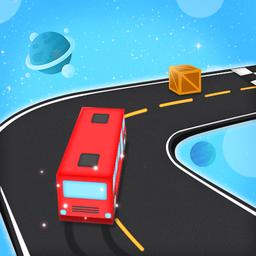
Space Bus 3D
Choose a car game to play
Every title below opens on its own game page before loading.
Start with the kind of decision you want to make. A racing game asks you to read the road at speed. A parking game gives you a smaller space and rewards accuracy. A physics course makes the vehicle itself part of the puzzle, while a kart arena adds opponents and hazards from several directions. These formats may all use cars, but they create very different sessions.
Session length matters too. Parking and obstacle levels are useful when you want one defined challenge. Traffic and racing games make more sense when you want repeated runs and gradual improvement. Arena games are a better fit when unpredictability is the point. If none of these seven titles match your mood, continue with the broader driving games collection or see the latest browser games.
Car Game Styles in This Collection
The free car games online here cover more than one kind of driving. Use these four styles to narrow the list before you launch a game.
Racing and speed games
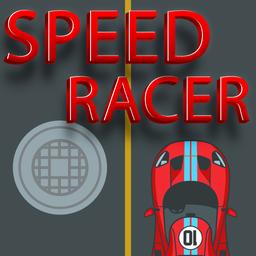
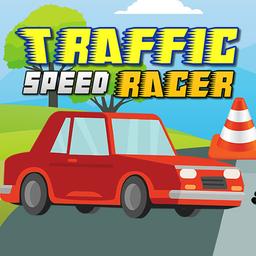
Racing games focus on reaching the finish, holding a clean line, or staying ahead while the track becomes more demanding. Speed Racer Online Game and Traffic Speed Racer both put forward motion at the center, but they ask for different kinds of attention. One emphasizes track action, while the other makes traffic and timing part of the challenge. Choose this style when you want quick decisions, repeated runs, and a clear reason to improve your route.
Parking and precision driving
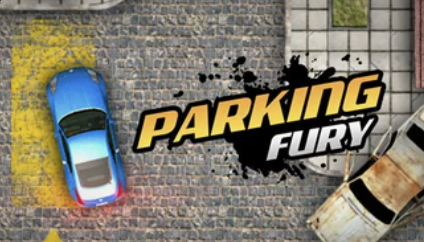
Parking games slow the pace and make accuracy more important than raw speed. Parking Fury is the clearest choice in this collection when you want to judge distance, steer through tight spaces, and finish without hitting obstacles. These games reward small corrections and patience. They are a useful starting point for players who prefer a focused challenge over a long race, and they work well for short sessions because each attempt has an obvious goal.
Obstacle and physics challenges
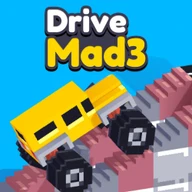
Physics-based driving changes the question from “How fast can I go?” to “How do I get this vehicle through the course?” Drive Mad 3 and Space Bus 3D use unusual roads, obstacles, or vehicle movement to create that problem-solving feel. Momentum matters, but so does knowing when to slow down. Pick this style if you enjoy learning a level through trial and error, adjusting your approach, and turning an awkward first run into a controlled finish.
Kart combat and survival arenas
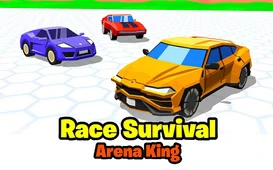
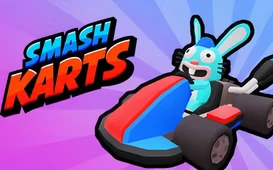
Some car games mix driving with arena survival or combat. Smash Karts and Race Survival Arena King are built around staying mobile while other threats compete for your attention. The driving is less about following a normal road and more about reading the space around you. These titles fit players who want a faster, less predictable session where positioning and recovery matter as much as steering. Expect the objective and controls to differ from a traditional race.
What Each Car Game Offers
Use these short descriptions to choose by play style instead of judging only by a thumbnail. Open the individual game page when one sounds right, then read its own instructions before you begin.
Parking Fury is a precision-first driving game. Use it when you want tight turns, careful positioning, and a clear parking objective instead of a high-speed race.
Drive Mad 3 turns driving into a physics challenge. The useful skill is controlling momentum through obstacles, not simply holding the accelerator from start to finish.
Space Bus 3D puts an unusual vehicle on an obstacle-filled route. It suits players who enjoy reacting to hazards and learning how a different vehicle behaves.
Speed Racer Online Game is the direct racing option in the group. Choose it for track action, speed, and repeated attempts at handling the course more cleanly.
Traffic Speed Racer adds moving traffic to the route. Progress depends on watching the road ahead, choosing safe gaps, and avoiding rushed lane changes.
Race Survival Arena King moves the action into a survival arena. Staying in control and adapting to nearby threats matter more than following a fixed racing line.
Smash Karts combines kart movement with arena combat. It is the strongest fit here when you want driving, quick reactions, and a more competitive style of play.
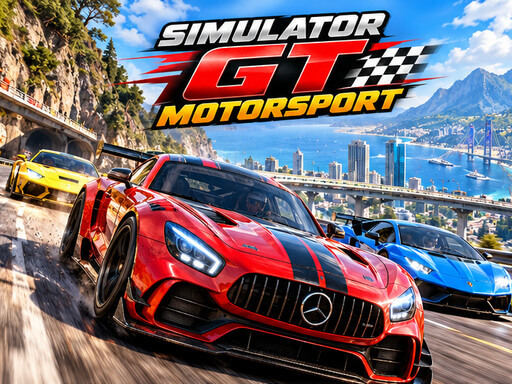
The browser GT racing sim by breyman games: four event types, upgrades, a skill tree, and the controls, verified from the official listing and recorded play.
The 2004 open-world street racer that took Need for Speed into Bayview — facts, race types, controls and the official link.
Controls, Devices, and Browser Compatibility
Many browser driving games use the arrow keys or WASD for steering, acceleration, and braking, but that is a useful expectation rather than a universal rule. A game may add the space bar, mouse input, or its own on-screen controls. Click inside the game frame before testing the keyboard, then follow the instructions shown by that title. GameClick does not replace or rewrite those game-specific controls.
Phone and tablet support also varies. Some titles provide touch input and adapt to a smaller screen; others depend on a physical keyboard or a wider landscape view. The safest check is to open the game on the device you plan to use. If the controls are missing or the frame feels cramped, return to the collection and choose another title rather than assuming every car game has the same device support.
Tips for Smoother Browser Play
Free car games online remove the installer step, but the game still needs browser focus, network access, and enough device resources to run. These checks solve the most common friction without changing browser security settings.
1
Give the game frame time to load.
A game can take a few seconds to download its own assets after the page appears. Wait for the loading layer to clear before refreshing.
2
Click inside the game before using the keyboard.
Browser games often need focus before arrow keys, WASD, or the space bar reach the game instead of the surrounding page.
3
Keep one active game tab.
Closing other demanding game or video tabs leaves more memory and processing time for the title you are currently playing.
4
Read the game-specific start screen.
Controls and objectives are not identical across the collection. The game itself is the source of truth for its keys, touch support, and win condition.
5
Switch games when the play style is wrong for you.
A parking challenge, traffic racer, physics course, and kart arena feel very different. Return to this collection and choose another format instead of forcing a poor match.
Free Car Games Online FAQ
Are free car games online on GameClick really free?
Yes. You can open every car game in this collection and play without a GameClick payment or subscription.
Do I need to download a car game first?
No. Choose a game and press Play Now to load it directly in your browser.
Which controls do these car games use?
Controls vary by game. Many use the arrow keys or WASD, and each game shows its own instructions before or during play.
Can I play these car games on a phone or tablet?
Compatibility depends on the game. Some titles support touch controls, while others are designed for a keyboard. Open the game page on your device and check its start screen for the available controls.
What should I do if a browser game does not load?
Wait a few seconds, confirm that your connection is stable, and reload the game page once. Content blockers or strict browser privacy settings can also prevent a third-party game frame from loading.